How To
How to Replace Cuddy's 9V Battery
In short
Cuddy's urine indicator light runs off a single 9V battery, and swapping it is a two-minute job with one screwdriver. Remove the two screws on the battery cover, unclip the old battery from the snap connector, clip on the new one and screw the cover back down. If the snap connector itself looks worn, you can pick up a replacement 9V battery connector.
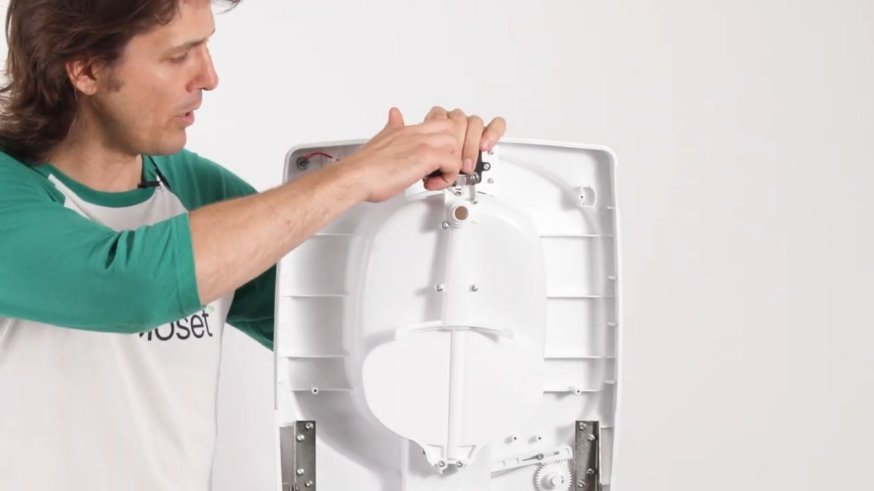
Has your urine indicator light stopped coming on? The light runs off a single 9V battery, and swapping it is a two-minute job with one screwdriver.
What You'll Need
- One 9V battery (the standard square kind, also sold as PP3)
- A screwdriver to fit the two screws on the battery cover
How to Change the Battery
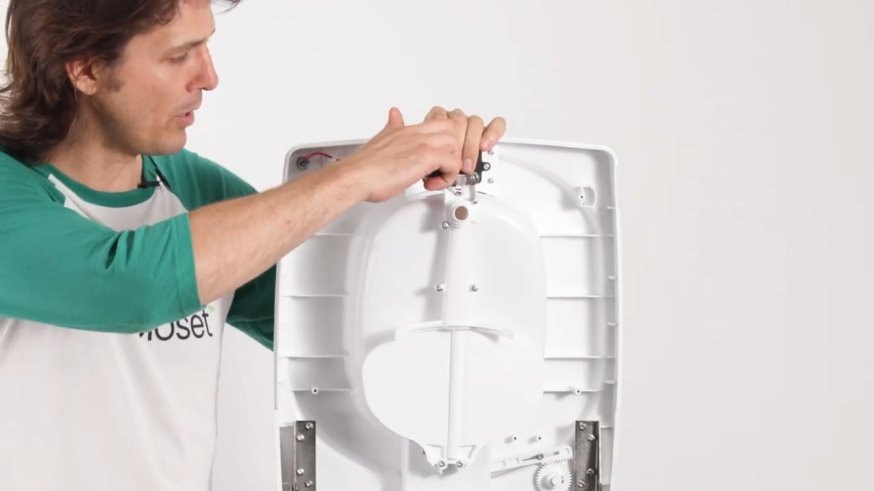
- Open the compartment: You'll find the battery housing on the upper part of your Cuddy. Remove the two screws, one on each side of the cover.
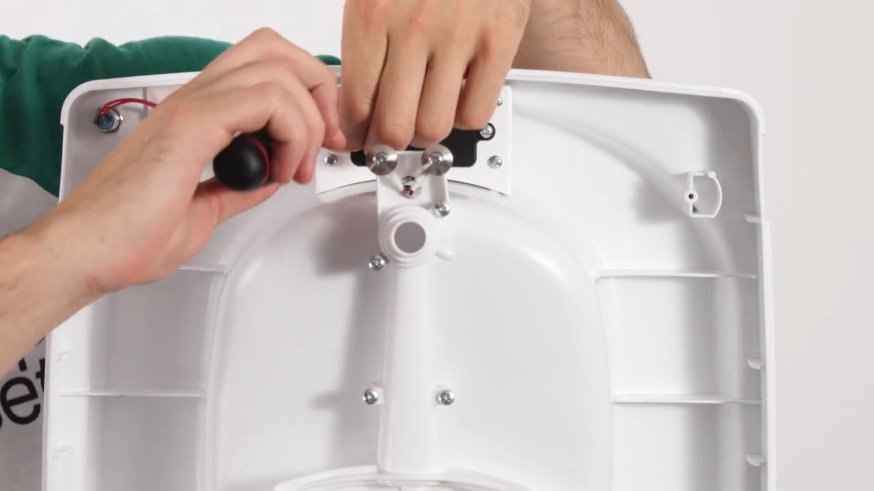
- Lift off the cover: This gives you access to the compartment and the battery connection.
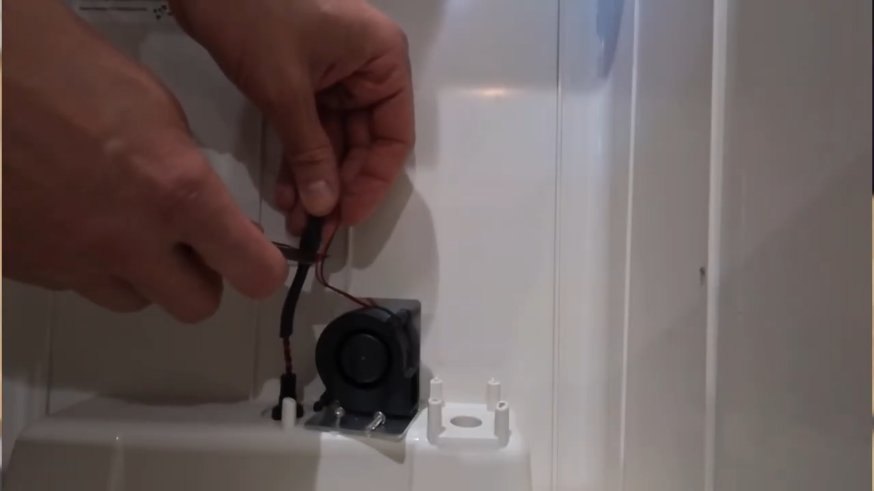
- Swap the battery: Unclip the old battery from the snap connector and clip the new one on firmly.
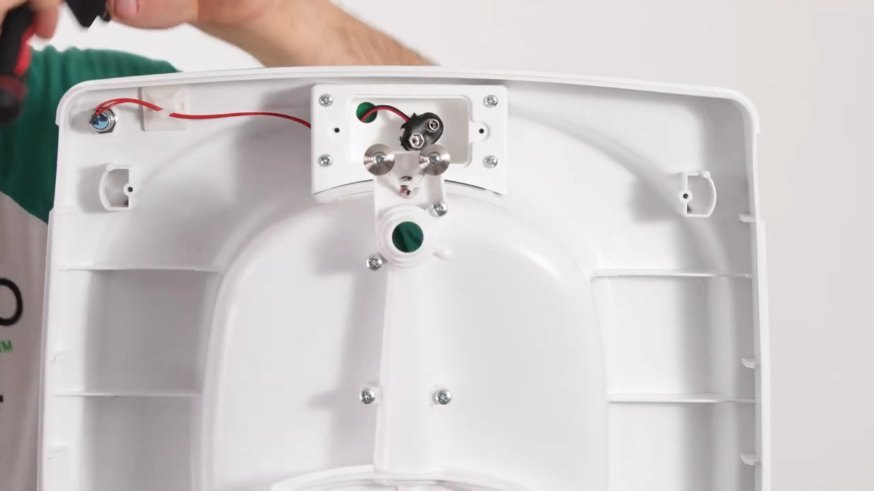
- Tuck it back in: Place the battery back in the compartment. Make sure the wiring sits neatly and isn't pinched by the housing or the cover.
- Close it up: Put the cover back on and tighten both screws so the compartment is fully sealed.
Still Having Trouble?
If the snap connector itself looks worn or damaged, you can pick up a replacement 9V battery connector.
Anything else not looking right? Contact us and we'll help you sort it out!